![[DL] Edge Stitcher](https://bakemono.app/data/45/e3/45e36b260aac254caaed7de9d8cc9f41aba7f37f9544cc085467cc47645d9832.jpg?f=VoVnCiTn7pGwTaFlydQ9aPio.jpeg)
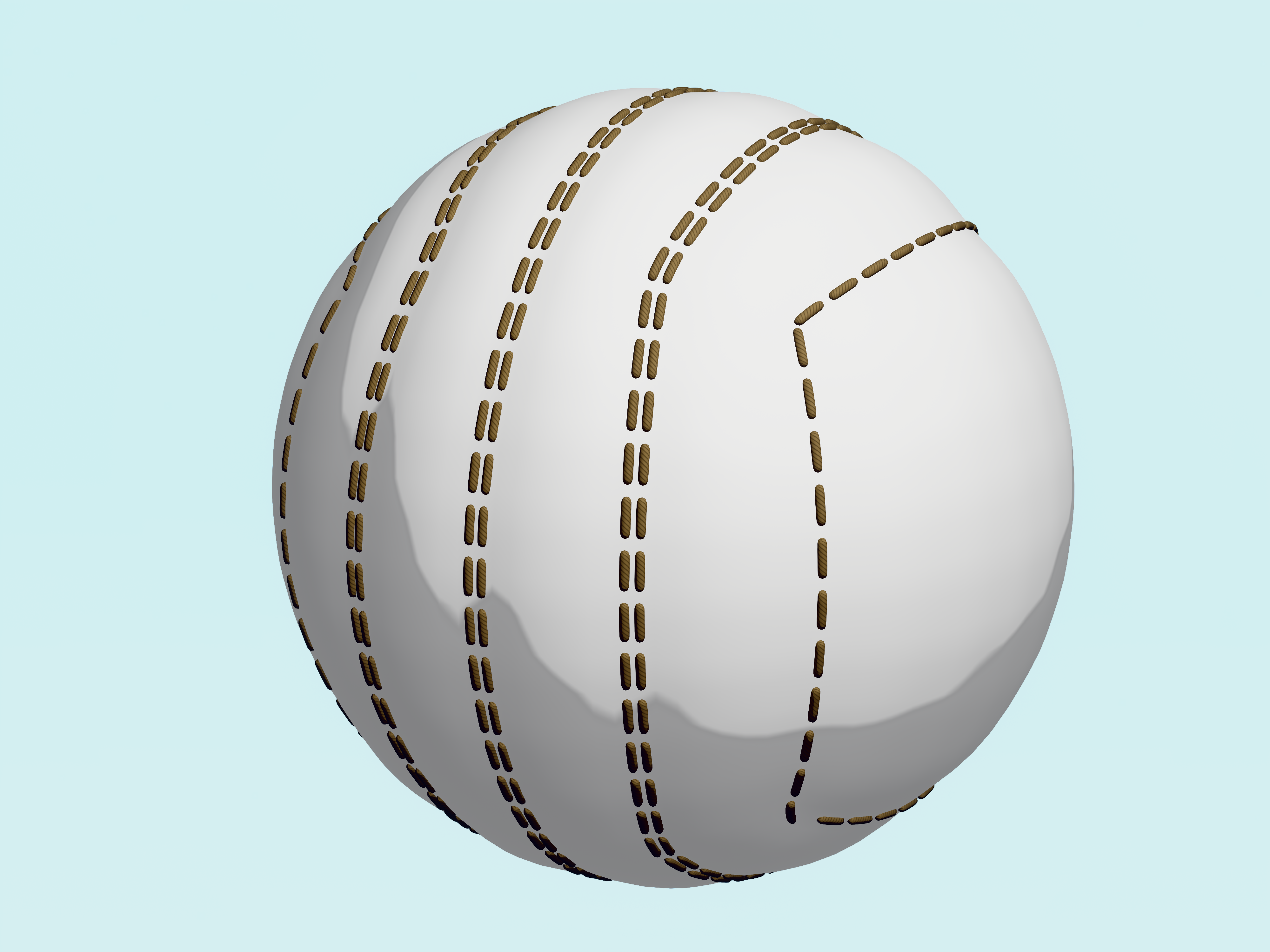
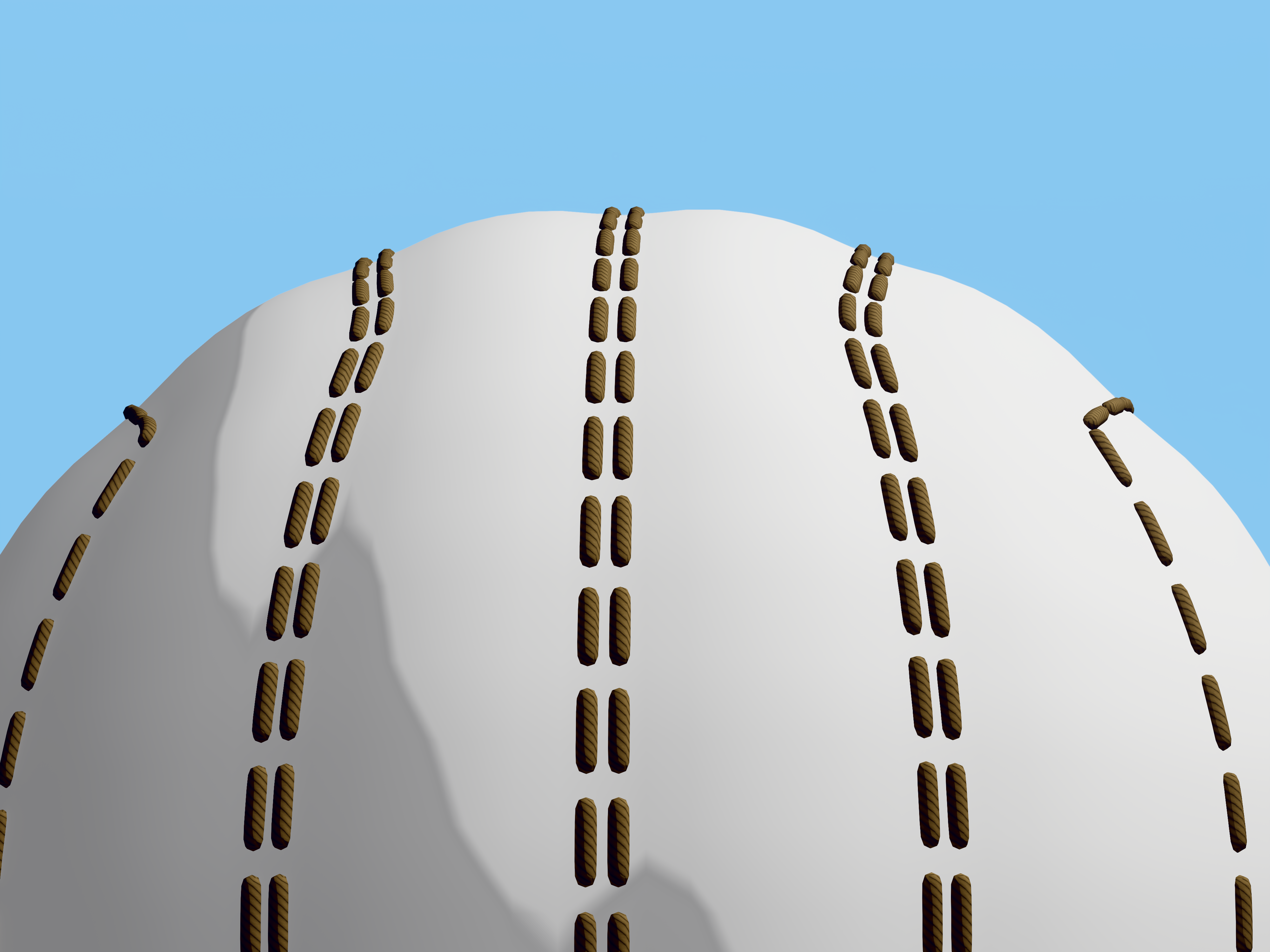
A geometry node modifier utility for easily adding stitches or any other object along mesh edges.
- Scale, rotation and location is derived from the custom stitch object along with the shader material and UV maps.
- Indenting the edges also available.
- Internally does a subdivision surface operation for getting smooth placement of the stitches. Using a subdivision surface modifier (set to thew same level) after this geometry nodes modifier is recommended for exact results.
- Stitches can bend around corners. (Slight inaccuracy when using a circular selection of edges at the start / end points of the selection.)
Instructions:
- Append Edge Stitcher node group to your project.
- Add this geometry nodes modifier to your object, optionally before a subdivision modifier.
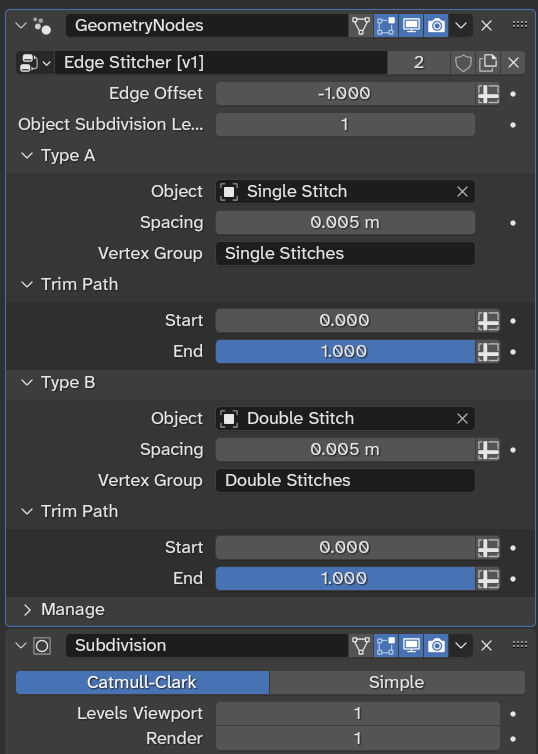
- Add Vertex Groups to your mesh with the same names as defined in the modifier's panel. (By default, 'Single Stitches' and 'Double Stitches'.)
- Switch to Edit Mode on your object and assign edges to your vertex groups.
- Play with the values in the modifier's panel.
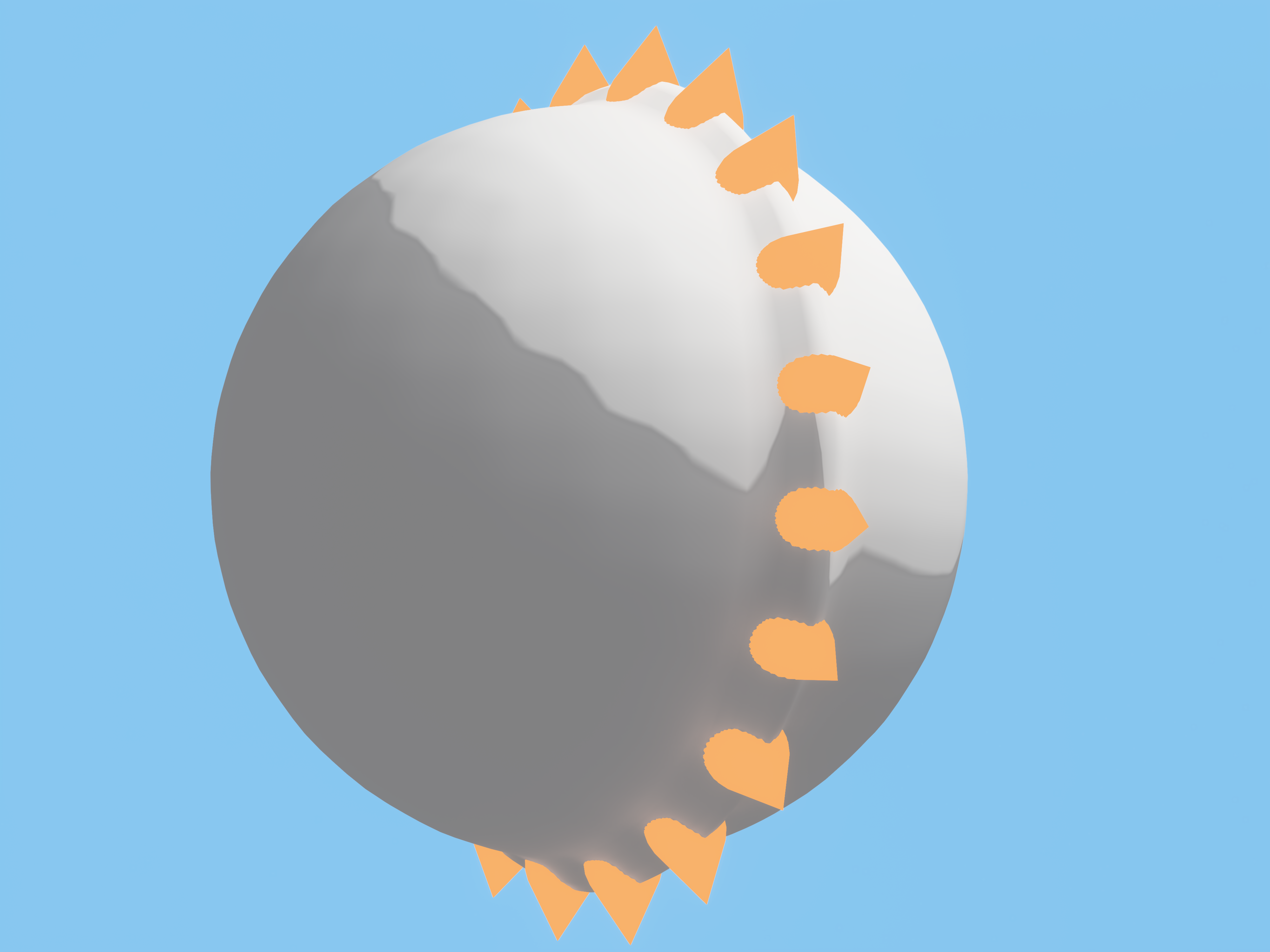
- Make sure to use simple objects as your custom stitches or performance will suffer.
- You can apply the modifier to permanently add the stitches. You can select them again with the same vertex groups. (Use face selection mode.)
- Using individually named UV maps for applying the modifier is recommended so you can use a single shader material with separate UV maps later.
(Available in the Utilities folder in the cloud drive for Advanced tier members.)